

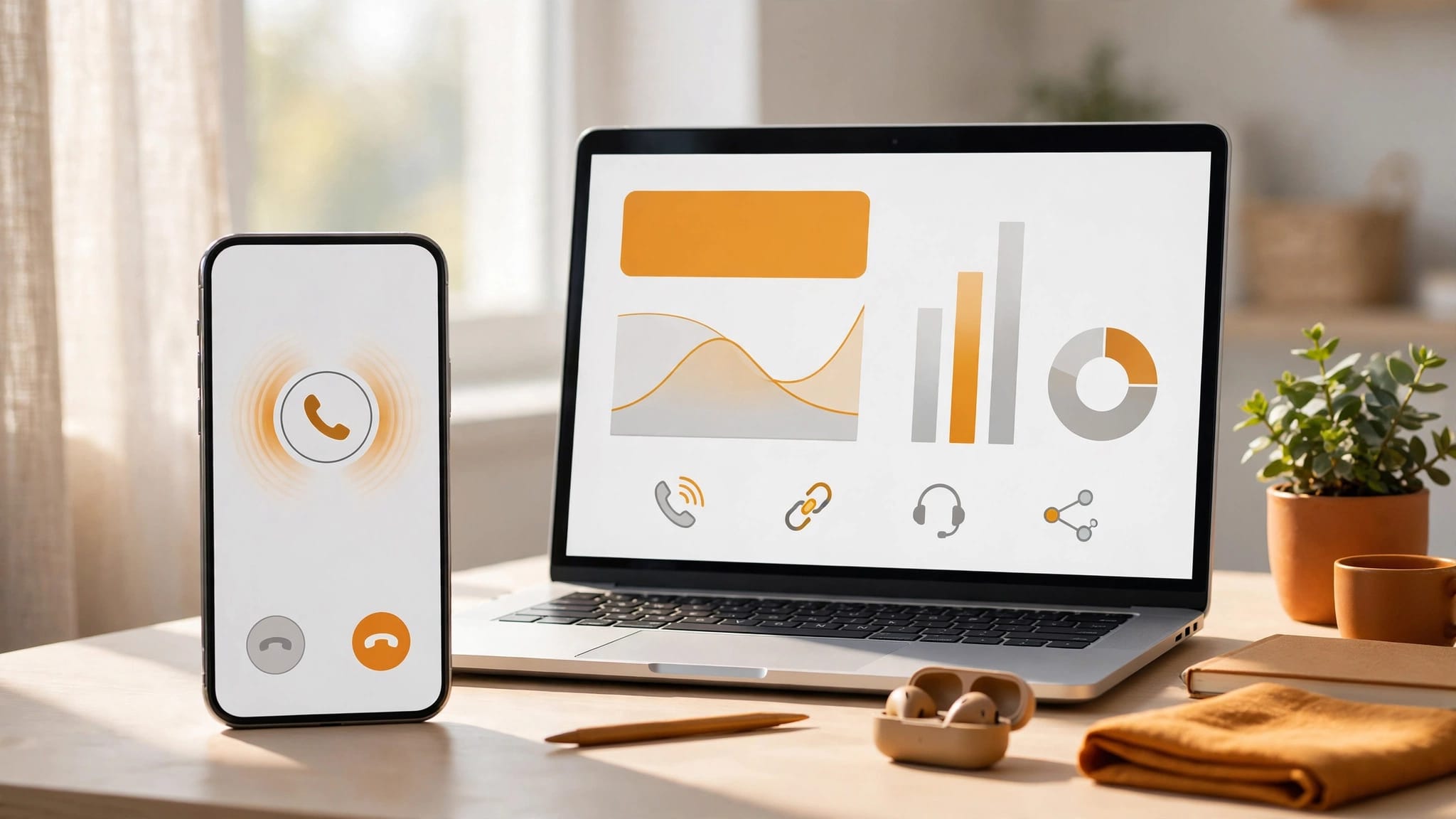
Your busiest website page might generate calls without generating much worthwhile work. Website call tracking links calls to the pages and campaigns behind them, using inbound call tracking and trackable phone numbers. Call analytics helps you assess call volume and lead quality.
For a small business or agency, that means distinguishing a meaningful enquiry with qualified intent from a missed call or wrong number. It also helps you assess the value of calls for lead generation. Start by deciding whether you need to measure individual landing pages or the wider journey that brought someone back to call.
Key Takeaways
- Website call tracking links calls to pages and campaigns using trackable phone numbers, call forwarding and, where appropriate, dynamic number insertion.
- Landing-page attribution shows where a visit began; it doesn’t necessarily reveal the channel that first introduced the customer or the full journey.
- Choose Google Ads forwarding, campaign-specific numbers or visitor-level software according to the reporting and attribution you need.
- Measure qualified enquiries, bookings and won work—not just calls or phone-link clicks—and test routing, reporting and privacy arrangements regularly.
What call tracking can prove
Call tracking uses trackable phone numbers that route enquiries to your usual business phone through call forwarding. Dynamic number insertion (DNI) changes the displayed number according to a visitor’s source or session. This dynamic number swap uses trackable phone numbers.

Tracking calls by landing page
Landing-page tracking answers a focused marketing attribution question: which page began the visit that produced a phone enquiry?
With visitor level tracking, the system can associate a call with the visitor’s entry page. Some platforms also record the page viewed immediately before calling. Keep these as separate fields in detailed reporting because they describe different contributions.
A dedicated number on one campaign page offers simpler page-level attribution. Tracking numbers can show which page generated calls, and call analytics helps compare that evidence. However, this won’t explain which earlier channels influenced the caller.
Tracking the full customer journey
Journey tracking looks beyond the final session. Inbound call tracking can help connect customer journeys: a prospect might discover you through SEO, return through email marketing, then search your business name before calling.
Where the platform can connect those visits, preserve the first known source and latest touchpoint. Inbound call tracking and call analytics can compare both, while your CRM connects the enquiry to a quote, booking or paying client. Per platform attribution may show different parts of the journey.
A landing page identifies where a visit began. It doesn’t automatically identify the channel that first introduced the customer.
Browser restrictions, consent choices and cross-device visits create gaps. Keep unknown journeys visible rather than assigning them a convenient source.
Google Ads forwarding or full call tracking software?
Google Ads offers website call conversion tracking, a form of inbound call tracking for eligible ad interactions. Its website call tracking guidance explains how call forwarding uses a Google forwarding number to replace your displayed number at no cost.
Google Ads also supports keyword level tracking for pay per click campaigns, though reported terms aren’t always the caller’s exact query. Treat keyword level tracking as one signal, not complete per platform attribution across all channels.
You set the minimum call duration that counts towards phone conversions. That helps filter short calls, although duration alone doesn’t establish sales quality.
Choose the approach according to the reporting you need.
| Approach | Useful for | Main limitation |
|---|---|---|
| Google Ads forwarding | Measuring calls associated with Google Ads | It doesn’t provide complete multi-channel attribution |
| Campaign-specific numbers | Separating broad marketing sources with trackable phone numbers | Limited insight into individual visitor journeys; tracking numbers need to be assigned to campaigns |
| Visitor-level DNI software | Connecting sessions, pages and calls through a dynamic number swap | Accuracy depends on implementation and available tracking data |
Full call tracking software can offer CRM integrations, routing and reporting across more sources. Compare the call analytics and detailed reporting available, and check each provider’s actual capabilities.
Mediahawk and CallTrackingMetrics are options to evaluate. Request a quote covering number rental, call minutes, recording storage and integrations. Compare the total operating cost, not just the advertised subscription.
Set up dynamic number insertion with Google Tag Manager
Before adding tags, define a confirmed phone lead. For inbound call tracking, count an answered new-customer enquiry as a conversion, not a tap on a phone link. Record taps separately from phone conversions.
Define the attribution and conversion rules
Agree which sources you need to distinguish: paid search, organic search, social media, referrals and tagged newsletter visits. Add keyword level tracking if your attribution requirements call for it.
Use consistent UTM tags on campaign links and your Google Business Profile website link. Decide whether detailed reporting needs the landing page, call-start page, first known source or all three.
Ask your provider to size the pool of tracking numbers for your visitor volume and attribution window. Too few trackable phone numbers can weaken visitor matching.
Keep your normal business number as the fallback if the script cannot run. Set up call forwarding where needed.
Install, test and maintain the replacement
Follow your call tracking software provider’s instructions for dynamic number insertion rather than installing a generic tracking code. CTM’s Google Tag Manager integration is one provider-specific route for deploying its DNI tag.
Test in GTM preview mode, then place real calls from desktop and mobile journeys. Check the dynamic number swap, displayed trackable phone numbers and tel: links. Confirm routing works, and the correct page and source reach the report.
Check call analytics events in GA4 DebugView. A telephone-link click mustn’t appear as a completed conversation, and duplicate tags mustn’t inflate totals.
Repeat inbound call tracking tests after web development changes, hosting migrations or consent-banner updates. Check the tracking code after each change as part of website care and maintenance.
For agencies implementing this across client sites, See how we collaborate with creative agencies when you need a technical delivery partner.
Choose features that improve attribution and call handling
A dashboard is useful only when its call analytics support marketing decisions and reliable responses.
Attribution data you can use
Look for landing-page reporting, visitor level tracking, campaign parameters, trackable phone numbers and CRM integration. Google Ads integrations may offer keyword level tracking when the necessary identifiers are available.
A keyword isn’t always the caller’s exact search query. Confirm what the platform reports and which fields it can capture.
Google’s call reporting documentation describes details including duration and start time. These fields help reconcile advertising reports with telephone records.
For detailed reporting, check export access and data retention. Confirm that inbound call tracking reports separate new enquiries from existing-customer calls. Also check what happens to tracking numbers if you change providers.
Features that help staff respond
Missed-call alerts should create an assigned callback task. Call whisper can give the recipient a short source or campaign announcement before connecting the caller.
Call recording can help managers review enquiry handling and coach staff, provided its use fits your privacy arrangements. AI summaries can help small businesses categorise routine details, but people should verify urgent requests and technical information.
Evaluate routing, call forwarding and voicemail too. Accurate attribution offers little value if the call reaches an unattended phone.
Measure qualified leads, bookings and profit
Raw call totals aren’t a dependable measure of lead generation. Use call analytics to separate answered calls, missed calls, qualified new enquiries and existing-customer requests, so you can focus on qualified intent.
Use inbound call tracking to create or match one CRM enquiry record across calls, forms, messages and email replies. Store the source, landing page, trackable phone numbers, service requested, assigned owner and first-response time. Add qualification, quote value, booking status and the eventual sale for detailed reporting and marketing attribution.
Heroic’s lead capture and follow-up systems connect enquiry handling with the website, rather than leaving phone data in a separate reporting silo.
For page comparisons, use qualified phone lead rate: attributed qualified new phone leads divided by landing-page sessions. Use inbound call tracking and a dynamic number swap to link each page with its trackable phone numbers. Compare the same period and attribution rules to assess campaign performance, excluding repeat callers from new-lead totals.
Review cost per qualified lead and cost per won customer to judge return on investment. Compare quoted value and gross profit too, as fewer conversations can still deliver a stronger return on investment.
For Google Ads pay per click campaigns, use keyword level tracking to identify valuable calls. Don’t treat every short call as a strong bidding signal. Start with a sensible duration threshold, then return qualified outcomes through a supported integration or import process.
Conversion optimisation should improve enquiry quality, not merely phone-button clicks. Compare mobile and desktop results, then test one meaningful change, such as clearer service information or better proof near the number.
Mobile-responsive web design matters here, especially for local SEO. Check call forwarding on a real phone, using mobile data as well as office Wi-Fi.
When tracking numbers aren’t an option
Some owners want to keep a familiar number instead of switching to trackable phone numbers, because customers recognise it across signage, vehicles and business listings. Others worry about call forwarding reliability, who owns the tracking numbers, or losing control when switching suppliers.
Those concerns deserve a practical answer, not pressure to accept a dynamic number swap.

Keep the public number and measure telephone-link clicks separately. A tracking code can record these clicks without a call-tracking script. They show intent, but without trackable phone numbers, inbound call tracking can’t confirm whether a call connected or capture someone who typed the number manually.
Ask staff to record the caller’s stated source in the CRM. Preserve it as self-reported discovery rather than overwriting tracked campaign data.
Phone-system logs can supply timestamps, missed-call records and outcomes. Comparing those with website activity can support aggregate analysis, but similar timing doesn’t prove which visitor called.
Probabilistic attribution estimates a likely match from available signals. Label it as estimated and avoid presenting it as visitor-level evidence.
For trades businesses and professional services, consistent call logging and callback ownership can be more useful than an elaborate but unreliable attribution model.
Keep privacy and number ownership in view
Records collected through inbound call tracking can contain personal information. Call recording may capture sensitive details that your team never needed for marketing reporting, in audio or transcripts.
Explain what you collect, why you collect it and how you use it. The ICO’s guidance on transparency outlines the importance of informing people about personal-data collection and use.
Check applicable privacy, cookie and recording requirements for your business and callers’ locations. Don’t assume one consent approach covers every jurisdiction. Obtain qualified advice where needed, and configure your tracking code around your consent arrangements.
For local SEO, keep valid business contact details consistent across listings. If you use trackable phone numbers, make sure number replacement preserves recognisable digital branding and a straightforward calling experience.
Finally, agree who controls tracking numbers, whether they can be transferred, and what happens when the subscription ends. Test that your ordinary number still works without the script.
Frequently Asked Questions
What does website call tracking show?
It can link calls to a landing page, campaign or visitor journey, depending on the method and data available. Browser restrictions, consent choices and cross-device visits can leave gaps, so keep unknown journeys visible.
Is a phone-link click a phone conversion?
No. A click records intent, but doesn’t confirm that a call connected or became a qualified enquiry. Track clicks separately from answered calls and confirmed phone leads.
Do I need full call tracking software?
Not always: Google Ads forwarding can measure calls associated with eligible ad interactions, while campaign-specific numbers can separate broader sources. Consider full call tracking software if you need wider attribution, CRM connections or reporting across multiple channels.
Can I track calls without changing my public number?
Yes. You can keep your public number and measure phone-link clicks, then use staff records or phone-system logs to add context. Without trackable phone numbers, however, you can’t reliably link a specific website visitor to a completed call.
Turn page attribution into better enquiries
Effective website call tracking connects page visits with qualified work, rather than counting every ring equally. Inbound call tracking links calls to page visits through trackable phone numbers, while call analytics show which enquiries become qualified work.
Landing-page reports identify entry points; customer journeys and CRM outcomes reveal more about what happened around each enquiry.
Start with reliable routing, tested tracking and clear lead definitions. Then use the findings to improve campaign performance, pages and follow-up processes that turn genuine enquiries into paying clients.
